
Download A-PDF Text Extractor – PDF to text, extract text from PDF, convert PDF to TXT, text extraction tool, PDF utility
Overview
A-PDF Text Extractor is a focused utility designed to simplify the conversion of PDF documents into editable text formats. Its primary function is to extract readable text from PDFs and save it as a plain TXT file, addressing a common challenge faced by professionals, students, and researchers who need to reuse or analyze content from PDF sources. The app serves as a lightweight alternative to more complex document processing tools, particularly for users who prioritize speed and simplicity over advanced formatting preservation.
Target users include individuals who frequently handle PDFs—such as academics extracting quotes, office workers digitizing scanned reports, or content creators repurposing material. The tool’s minimal resource footprint makes it suitable for older systems or environments where performance is critical. Although the developer did not provide additional technical details, the app has been available since 2011, indicating a long-standing presence in the productivity software space.
Real-world use cases include extracting text from scanned documents, pulling data from research papers, or preparing content for editing in word processors. In the broader app ecosystem, A-PDF Text Extractor occupies a niche role as a dedicated, no-frills solution for text extraction, offering a streamlined experience without the overhead of full PDF editors.
Key Features & Functionality
- Easy PDF Selection: Users can quickly locate and select a PDF file using a standard file browser interface. This straightforward method reduces friction for beginners and ensures fast access to documents without requiring prior setup or configuration.
- Fast Text Extraction: Once a file is selected, the tool processes and outputs text within seconds. This rapid turnaround supports time-sensitive workflows, such as preparing content for immediate use or compiling research notes on the go.
- Customizable Output: Before extraction, users can define specific parameters, including the range of pages to extract, the order of pages, and the name of the output file. This level of control allows users to tailor results to precise needs, such as extracting only key sections from lengthy reports.
- Resource Efficient: The application is designed to operate with minimal system impact, making it ideal for low-spec machines or multitasking environments. Its lightweight nature ensures stable performance even when running alongside other demanding applications.
For example, a student might use the app to extract relevant passages from a scanned textbook chapter, selecting only the pages containing key definitions. A researcher could extract data from a PDF journal article, renaming the output file to match their project naming convention. These practical scenarios highlight how the app enhances productivity through focused functionality.
Interface, UX & Performance
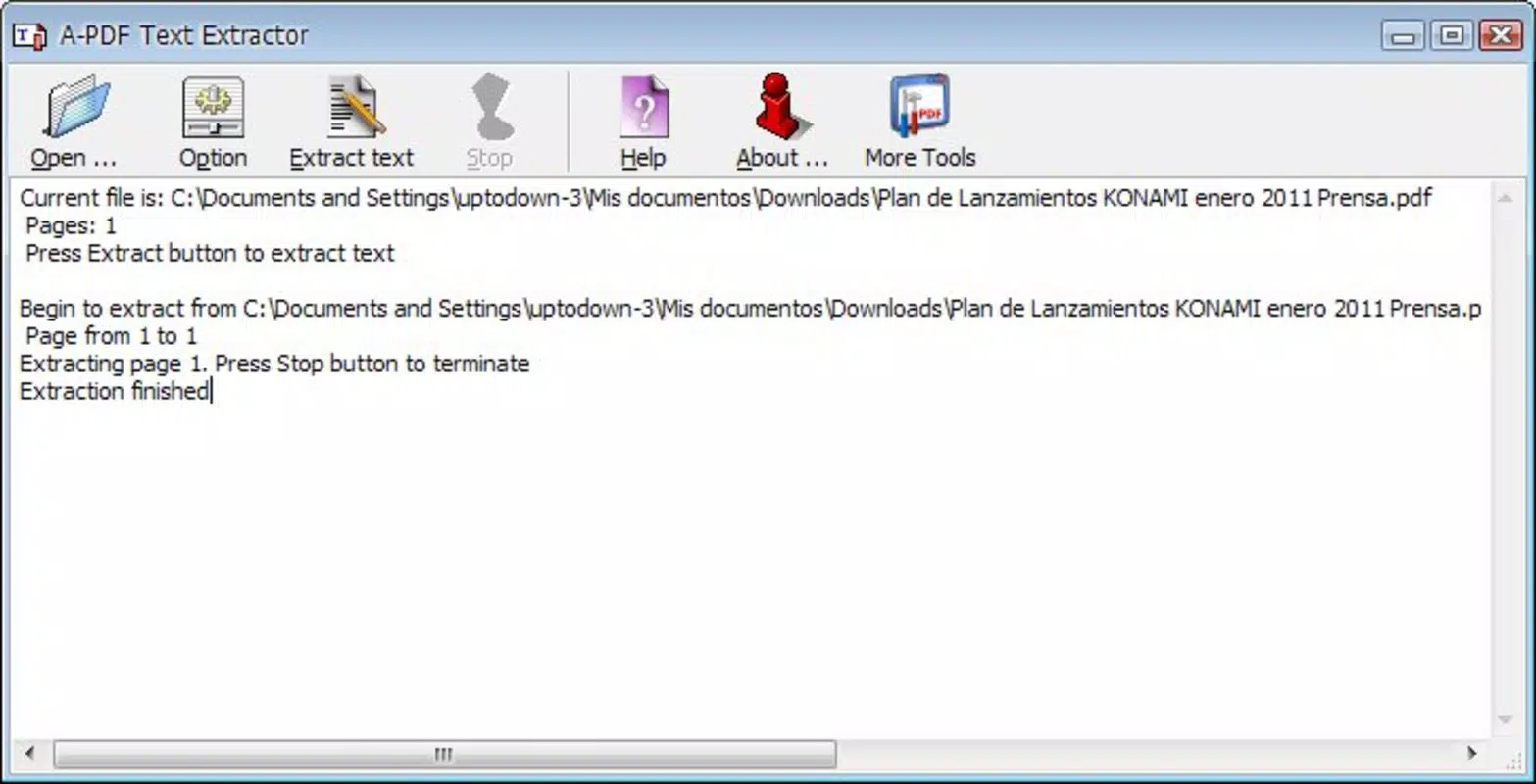
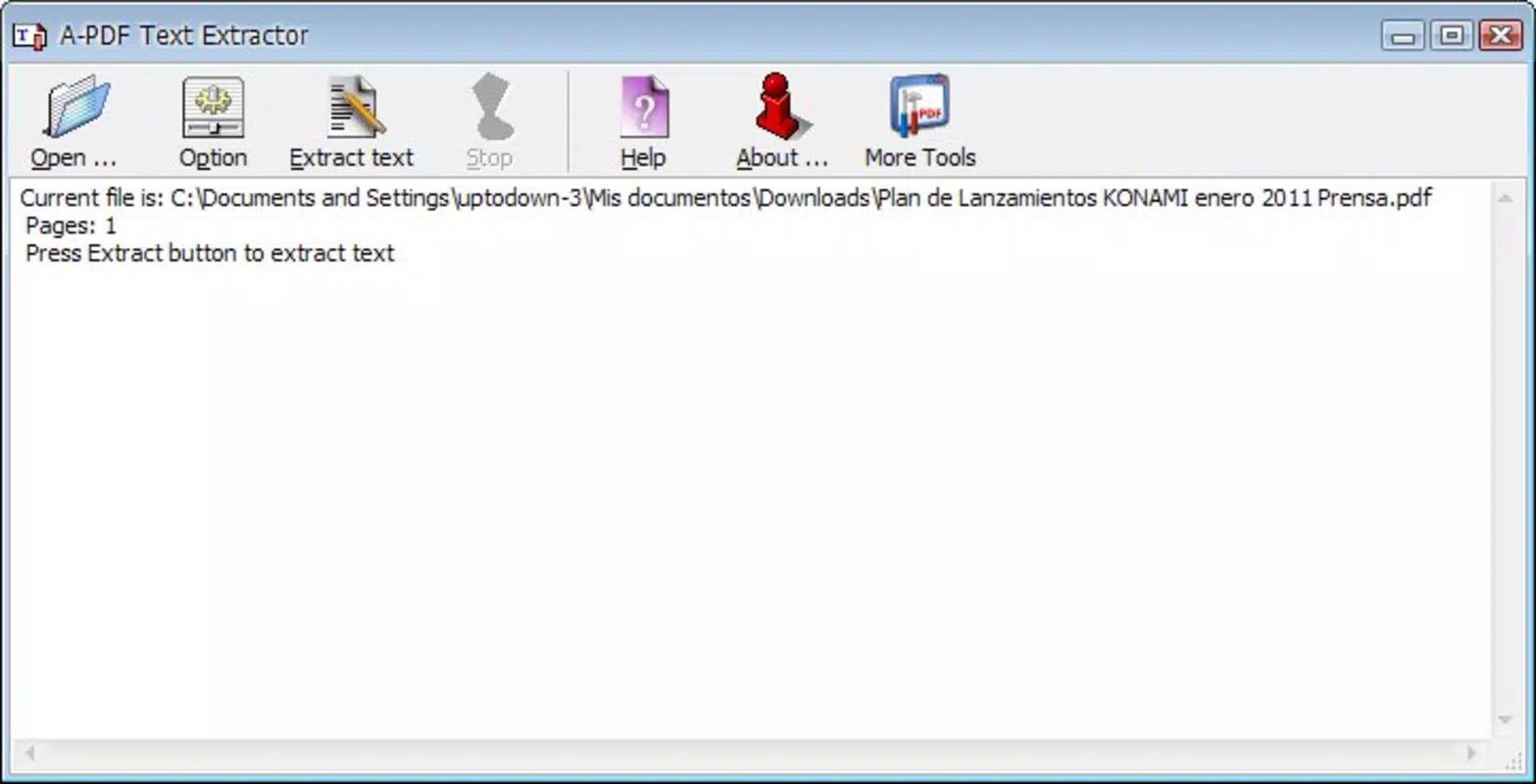
The user interface of A-PDF Text Extractor is minimalistic and functional, reflecting its purpose as a utility tool. The layout centers around a single file selection prompt, with clear labels and a straightforward workflow. Navigation is intuitive, requiring only a few clicks to complete the extraction process. There are no complex menus or hidden options, which reduces the learning curve and supports efficient use.
Visual design is plain but effective—prioritizing clarity over aesthetics. The absence of decorative elements ensures that the interface remains uncluttered and responsive. Users can expect consistent performance across different device categories, though the developer did not list formal performance metrics. Although the tool is lightweight, its stability and responsiveness depend on the underlying system configuration.
Performance is generally smooth, especially on systems with adequate resources. The app maintains low memory and CPU usage during operation, which contributes to a seamless user experience. The lack of background processes or unnecessary services further enhances its reliability. While specific compatibility details were not disclosed, the app appears optimized for standard Windows environments.
Platform Compatibility & Technical Requirements
A-PDF Text Extractor is available exclusively for the Windows platform. The current version is 1.3, with a file size of 2.1 MB, indicating a compact and lightweight installation. This small footprint suggests the app is designed for efficiency and minimal disk usage.
Specific system requirements were not listed by the developer. The absence of detailed OS version information means users should verify compatibility with their current Windows setup. The developer did not specify minimum OS requirements, so installation on older or newer systems may vary. Compatibility information was not fully disclosed, and users are advised to test the app in their environment.
Pros and Cons
Pros
- Fast and efficient text extraction from PDFs
- Minimal system resource consumption
- Simple, beginner-friendly interface
- Customizable output settings for page selection and naming
- Compact file size and lightweight design
Cons
- No support for other output formats beyond TXT
- Limited customization options beyond page range and file name
- Developer did not provide detailed system requirements
- Only available for Windows, no mobile or cross-platform support
- No built-in preview or text editing features
FAQ
Is A-PDF Text Extractor safe to download and install?
The app is developed by A-PDF, a known provider of PDF utilities. While no third-party security checks were provided, the application’s long-standing presence and minimal file size suggest a low risk of malicious components.
Can I extract text from scanned PDFs?
While the app is designed to extract text from PDFs, its ability to process scanned documents depends on whether the PDF contains embedded text or relies on OCR. The developer did not specify OCR capabilities, so users should expect limited success with scanned files.
Is there a free version available?
A-PDF Text Extractor is a paid tool priced at $19.95. No free version or trial was mentioned in the provided details.
Does the app support batch processing?
The developer did not indicate support for batch extraction. The tool appears designed for single-file processing based on the described workflow.
How often is the app updated?
The last release date was January 15, 2011. No recent updates were listed, suggesting the app may not receive ongoing development or security patches.
Final Thoughts
A-PDF Text Extractor remains a reliable choice for users who need a no-nonsense tool to convert PDF content into plain text. Its speed, low resource usage, and straightforward interface make it well-suited for individuals who value efficiency and simplicity. While it lacks modern features like batch processing, OCR support, or multi-format output, its focused design ensures consistent performance for core tasks.
Those who frequently work with PDFs and require quick access to raw text—such as researchers, students, or office professionals—will find significant value in this utility. Despite its age and limited updates, the app continues to serve its intended purpose effectively.
Download A-PDF Text Extractor now


